How to Share Your Location on WhatsApp to Order Water Delivery
To share your location on WhatsApp for a water delivery order: open our chat, tap the attachment button (+), choose "Location", then "Send your current location" or "Live location", and check the pin is accurate before sending. This method is faster and more accurate than a text description and ensures the tanker reaches the right address in South Riyadh.
Published: · Updated:
Why a location share beats a text description
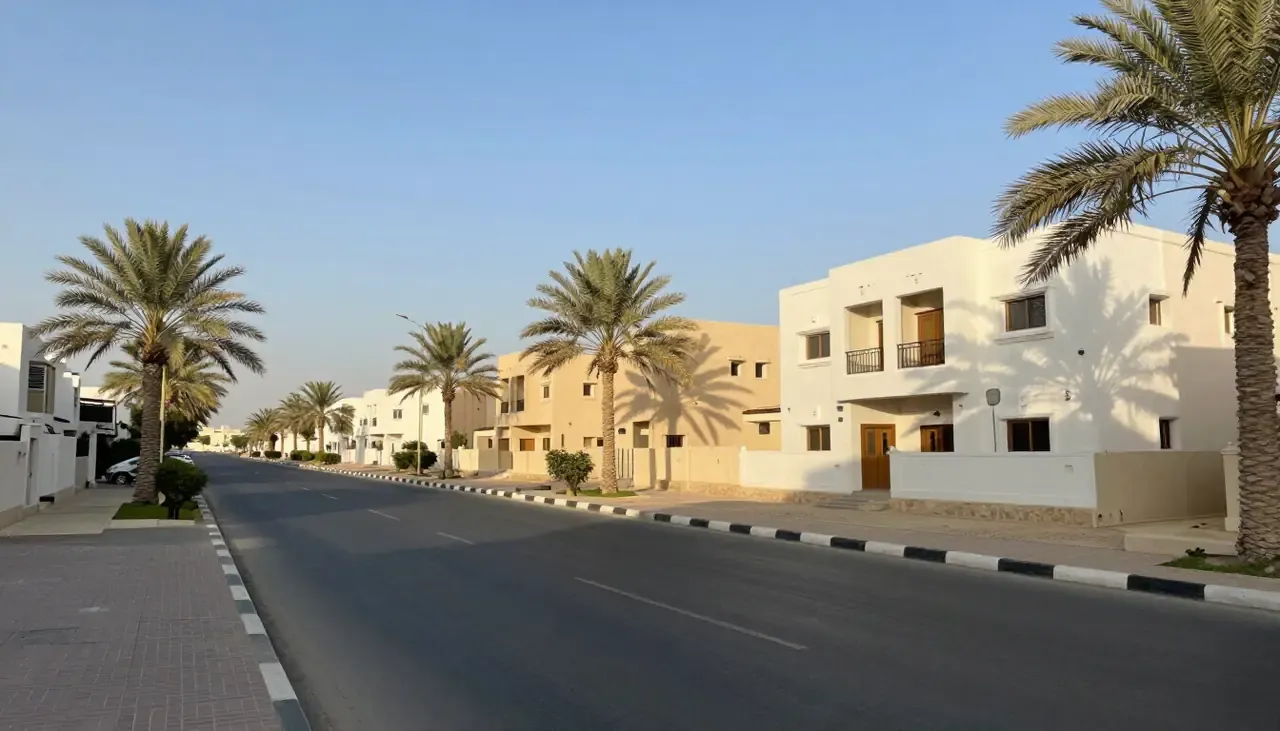
A text address can be ambiguous, especially in newer South Riyadh neighborhoods where street names may not show clearly on maps. A precise pin location gives accurate coordinates that can be relied on for arrival and reduces the chance of error or delay. It also lets us confirm coverage immediately before the tanker sets off.
Steps to send your location on WhatsApp
- 1Open a WhatsApp chat with us using the number on the contact page.
- 2Tap the attachment button (+) in the message field.
- 3Choose "Location" from the menu.
- 4Select "Send your current location" for a fixed point, or "Live location" to share for a set period.
- 5Confirm the blue dot is accurate on the map, then tap send.
Current location vs. live location
"Send your current location" sends a fixed point representing where you are at the moment of sending — best for setting a delivery address. "Live location" shares your moving position for a period you choose (such as 15 minutes or an hour), useful if you are moving around the property to guide the tanker as it approaches. For a fixed delivery address, current location is enough.
Tips for a more accurate pin
- Turn on GPS on your phone before sharing.
- Send the location from inside the house or at the gate where you want the tanker to arrive.
- Wait a few seconds for the marker to settle on the map before sending.
- Add a short note with the location such as gate color, house number, or nearest landmark.
- If the tank is at the back or on the roof, mention that in the message.
What to do after sending your location
After sending the location, include the order type (home, villa, or tank filling), the tank type, and its capacity if possible. We then confirm coverage and the details and coordinate the nearest possible delivery time. You can follow up on the order directly in the same chat.
Common mistakes when sharing location
- Sending a location from a different place than the actual delivery address.
- Relying on a text description only without a location share.
- Sending the location with GPS off, producing an inaccurate pin.
- Not adding a complementary note about the gate or filling point.
Access considerations after pinning the location
Even with an accurate location, the tanker needs a clear route to reach the filling point. Move cars and obstacles away from the access path before the appointment, and describe any narrow gate or road when you contact us. This ensures a smooth arrival after the location is confirmed.
To start your order, contact us directly or review the delivery service details.
Useful links
For a reliable drinking-water order, see our 18-ton water tanker in South Riyadh service.
Common questions
Yes, it sends a fixed accurate point representing your address, best for setting the delivery point.
Need an 18-ton water tanker in South Riyadh?
Contact us now by call or WhatsApp and send your location to confirm delivery.